LDLock APP: The Ultimate User Guide for Smart Lock Management
The LDLock (LDLock) APP is a professional and versatile software designed to streamline security management for homes, apartments, rental properties, homestays, and offices. This guide provides a comprehensive overview of how to set up and use the LDLock system to maximize your property’s security and convenience.
1. Introduction to LDLock Ecosystem
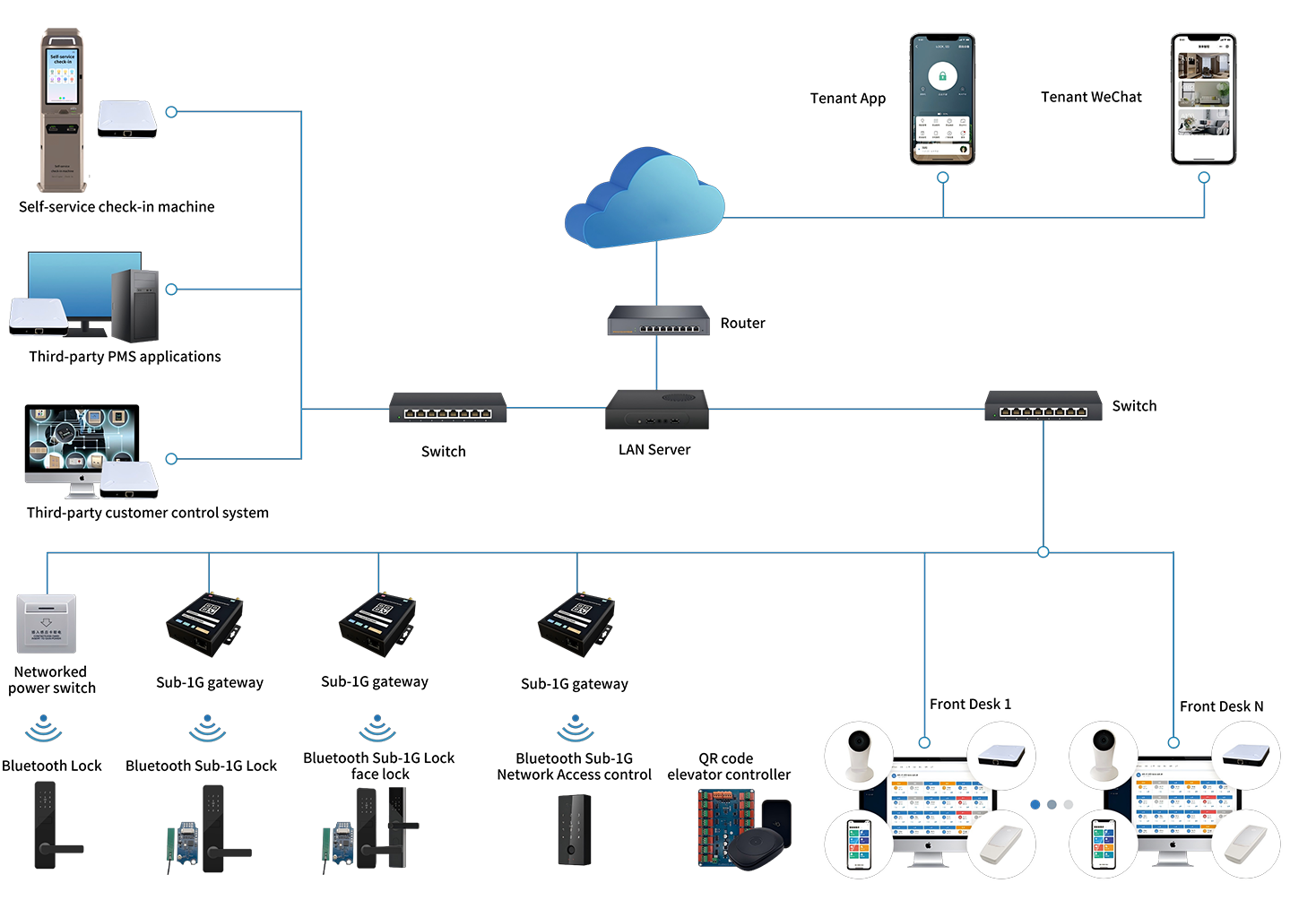
LDLock integrates advanced hardware—including door lock circuit boards, smart gateways (Bluetooth/Sub-1G), WiFi modules, and Cat.1 (4G) modules—with a robust cloud platform. It offers a globally accessible, user-friendly interface supported by three major data centers in Asia-Pacific, Europe, and North America.
- Global Reach: Supports mobile registration in over 200 countries.
- Multi-Language: Supports over 30 mainstream voice languages.
2. Getting Started: Download and Registration
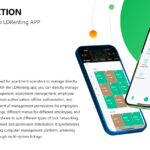
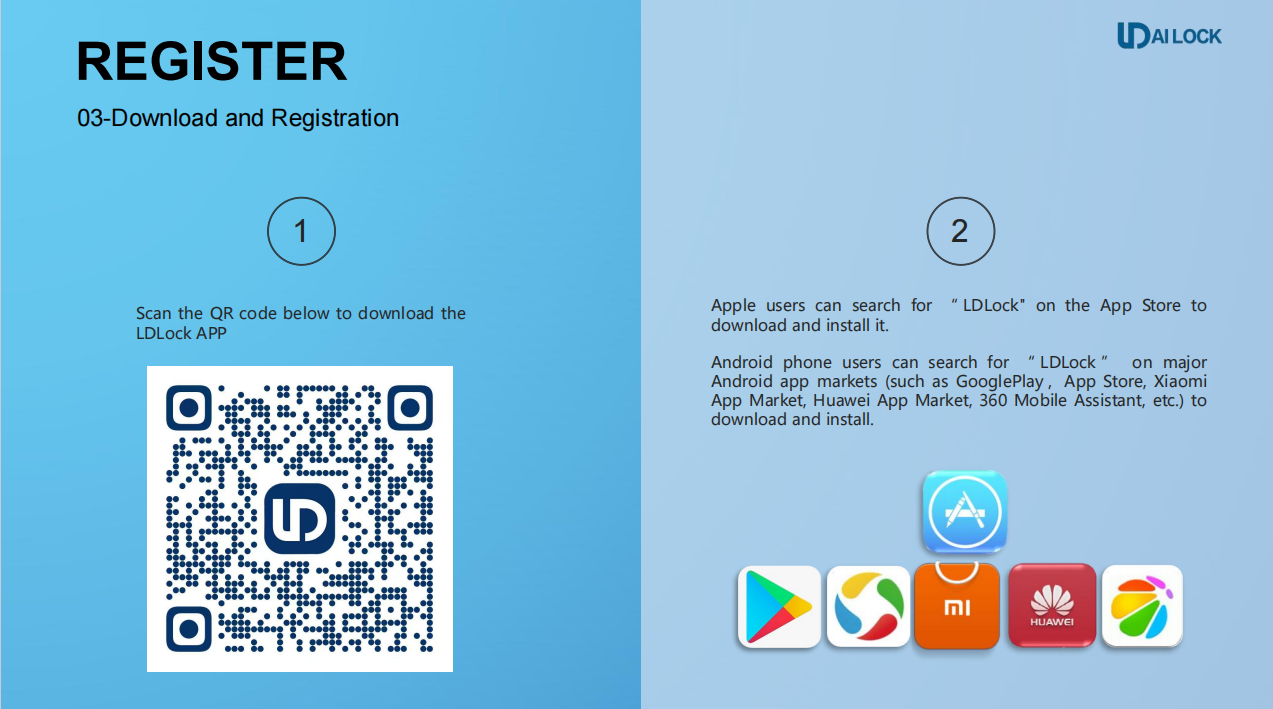
To begin your smart security journey, download the app from your preferred platform:
- iOS Users: Search for “LDLock” in the Apple App Store.
- Android Users: Search for “LDLock” on Google Play, Huawei App Gallery, Xiaomi App Market, or other major Android stores.
Registration Steps:
- Open the app and click “Register”.
- Enter your mobile number or email address.
- Verify your account via the code sent to your device and set your secure password.
3. Adding Your Smart Devices
LDLock allows for quick and stable pairing with various device types.
Quick Addition (Bluetooth)
-
- Ensure your phone’s Bluetooth is turned on and you are near the lock.
- Click “Add Device” in the app.
- Select the discovered Bluetooth device and wait for the progress to reach 100%.
Adding WiFi Bluetooth Door Locks
- Select “Bluetooth Lock” from the device list.
- Activate the lock panel (ensure it flashes) and tap “Next”.
- Configure the 2.4G WiFi network by entering your password.
- Once configured, you can enable “WiFi Keep-alive mode” for real-time remote operations.
4. Major Functions at a Glance
The LDLock APP provides a suite of management tools right at your fingertips:
- Remote Unlocking: Unlock your door from anywhere in the world (requires gateway or WiFi lock).
- Passcode Management: Generate permanent, timed, or one-time passcodes for guests and tenants.
- Real-Time Logs: Access instant notifications and history logs of every entry.
- Secondary Development: Supports SDK and API integration for commercial systems (Hotels, Apartments, Campuses).
For more detailed troubleshooting and advanced settings, please refer to the specific module instructions within the app or contact our technical support team.
 Subscribe